When Staff Become the Link Between Orders and QuickBooks
An online order should not mean someone has to type the same information all over again. Yet that is often how the gap between a website and accounting gets filled: a person copies the details, checks the payment and tries to catch anything that does not match.
In one of our client projects, earlier attempts to connect the systems had failed. Repeated entry was creating transcription errors, and the business depended on trusted family members to handle sales. The work had become difficult to hand over.
This is the QuickBooks integration project featured on our homepage, shared without the client’s identifying details. For businesses in Salem, Oregon and the surrounding Willamette Valley, it offers a practical example of making orders easier to hand over.
Before: people carried the information between systems
The e-commerce store and QuickBooks were separate parts of the job. Staff bridged the gap with manual entry. Each handoff added another place to mistype a detail or stop and ask someone what to do.
There was a second problem beneath the typing. The owner needed confidence that someone outside the family could handle the work. A process that only a few trusted people can safely run limits who can help and when the owner can step away.
What we connected
We integrated the e-commerce store directly with QuickBooks and automated the flow of sales information. Payment handling moved to a system where staff did not need to see customers’ card details.
- Ordering: collect the order through the online store.
- Payment handling: keep card details out of the staff workflow.
- Accounting handoff: carry the order information into QuickBooks without asking staff to retype it.
The result was a connected sales-to-accounting process and a job the business could hand to non-family employees. Removing that repeated entry also removed the opportunity for transcription errors at that particular step. It does not mean every possible order or accounting error disappears.
What matters when applying this to your business
The useful lesson is to follow one order from start to finish. Where does the information first arrive? Who touches it next? Which details change? Where does someone have to stop and check with the owner?
For a new project, we also need to agree what happens when an order changes, a payment fails or a connection stops working. Those are questions to design around with your team, rather than assume the software will handle on its own.
Sometimes an existing connector is enough. Sometimes the order process needs simplifying first. A custom integration makes sense when there is a clear gap that the existing tools cannot reliably cover.
Start with the handoff that takes the most time
You do not need to arrive with a technical specification. Show us a typical order and explain where it gets stuck. We can work out whether the first useful step is a better process, a connection between systems or a small custom tool.
Read about our QuickBooks and order integration work in Salem, Oregon, or talk to Paul about how your orders work.
Related reads

Nature Farms: Control the Farms from One Location.
Nature Farms manages farms for trusts and businesses. Meet Dennis and explore our connected-management work: clearer records, coordinated crews and an automation programme aimed at stronger returns for owners.

DC Anderson: One Website, Two Clear Paths.
A specialized-transport website built around two audiences: drivers exploring their next opportunity and shippers planning a difficult move.
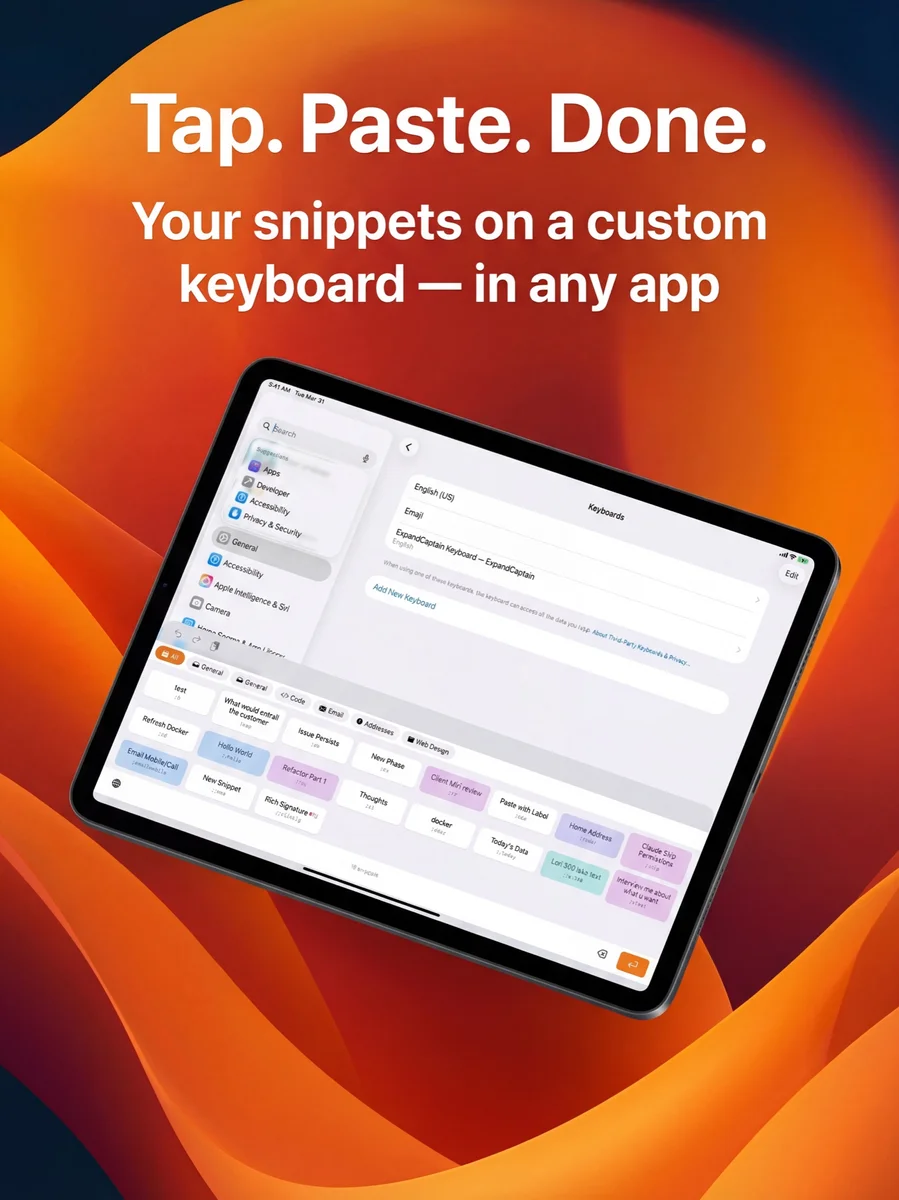
Expand Captain: Write It Once. Use It Everywhere.
A reusable text library for Mac, iPhone and iPad—built around the everyday messages people shouldn’t have to type twice.
Want to talk about how this could work for your business?
Let's Chat