Moving Harvest Records Off Paper: Where to Start
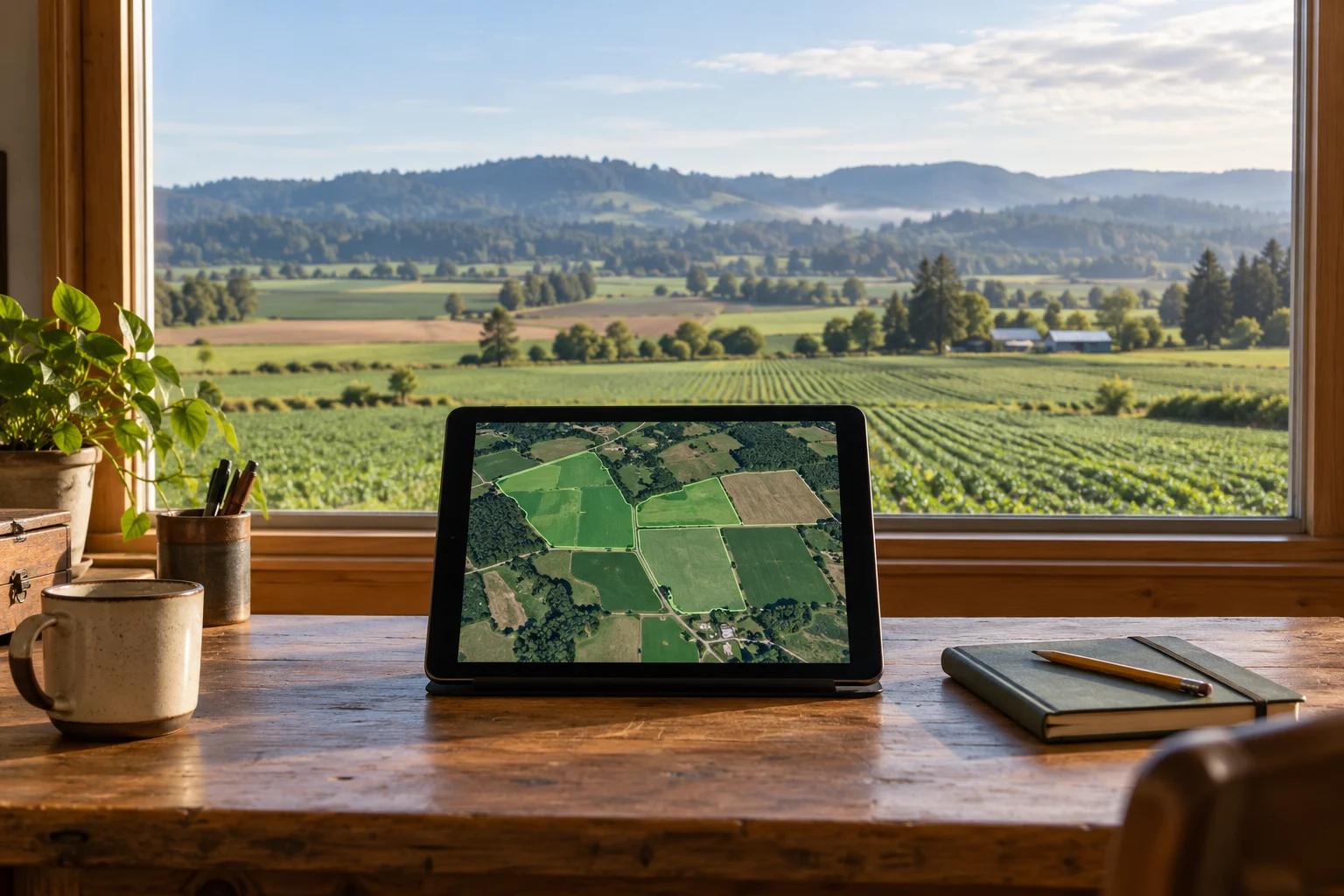
If a harvest record starts on paper, goes into a spreadsheet and then gets copied into a report, somebody is doing the same job several times. Moving the first step onto a phone or iPad can help, but the important part is what happens to that record afterwards.
For farms around Salem, Oregon and the Willamette Valley, our starting point is a small piece of real work: capture one record, have the right person check it and make it useful for the next decision.
Follow one record from the field to the office
Choose a recent harvest record and trace its path. Who wrote it down? Who checked the quantity? Who added it to the total? Where did somebody have to phone the field to ask what a note meant?
That gives you a more useful brief than a list of app features. You can see which information needs to stay together and where the current process loses time.
Agree what a usable entry contains
The fields depend on the operation, but a practical starting list is:
- The farm and field or plot.
- The crop or variety, where relevant.
- The date of the work.
- The quantity and its unit.
- The person recording it.
- Anything that still needs checking.
A quantity without a unit creates another question for the office. A field name that means different things to different crews does the same. Agree the everyday names and checks with the people who will use them.
Keep an unchecked record separate from an approved one
Capturing a number does not automatically make it ready for reporting. Give someone responsibility for reviewing it and make corrections visible. A missing or disputed entry should stay identifiable when totals are prepared.
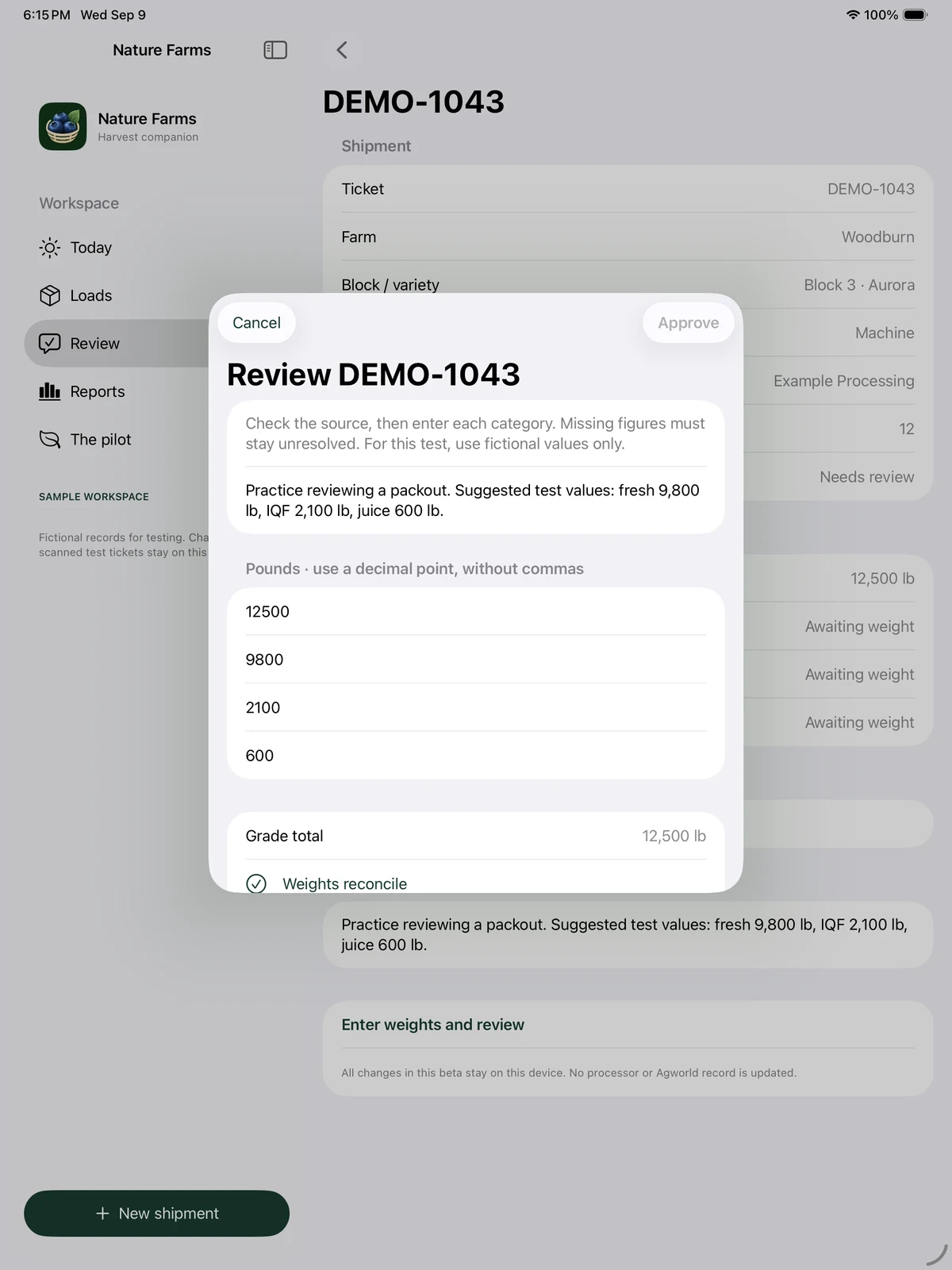
Our Nature Farms development project includes an iPhone and iPad pilot for harvest capture, review and crew jobs. It is a useful example of separating those steps.
Plan for a working day without a reliable signal
Before choosing a tool, check what happens where the crew actually works. Can an entry be saved without reception? How can the operator tell it has saved? When does the office receive it? What happens if two people change the same record?
Those are requirements to test for your chosen system. The Nature Farms pilot shown here does not demonstrate automatic multi-device synchronisation.
Try one workflow before expanding
Choose one crew or one type of record for a contained trial. Keep a clear source record during the trial and compare the result with the existing process. Measure capture time, missing details, corrections and the effort needed to prepare the report.
Expand when the people doing the work can use it reliably and the office gets a clearer record. Spray records, maintenance, staff time and broader reporting each deserve their own checks; adding them all at once can make it harder to see what is helping.
Survivor Mountain provides farm systems and app development for Salem, Oregon and the surrounding area. Talk to Paul about the record you keep having to chase, and we can work out a sensible first step.
Want to talk about how this could work for your business?
Let's Chat